AI Video Checklist: What to Review Before You Hit Publish
Review the video's information, image, voice, captions and destination with a simple process. Includes criteria to approve, fix or redo a piece.
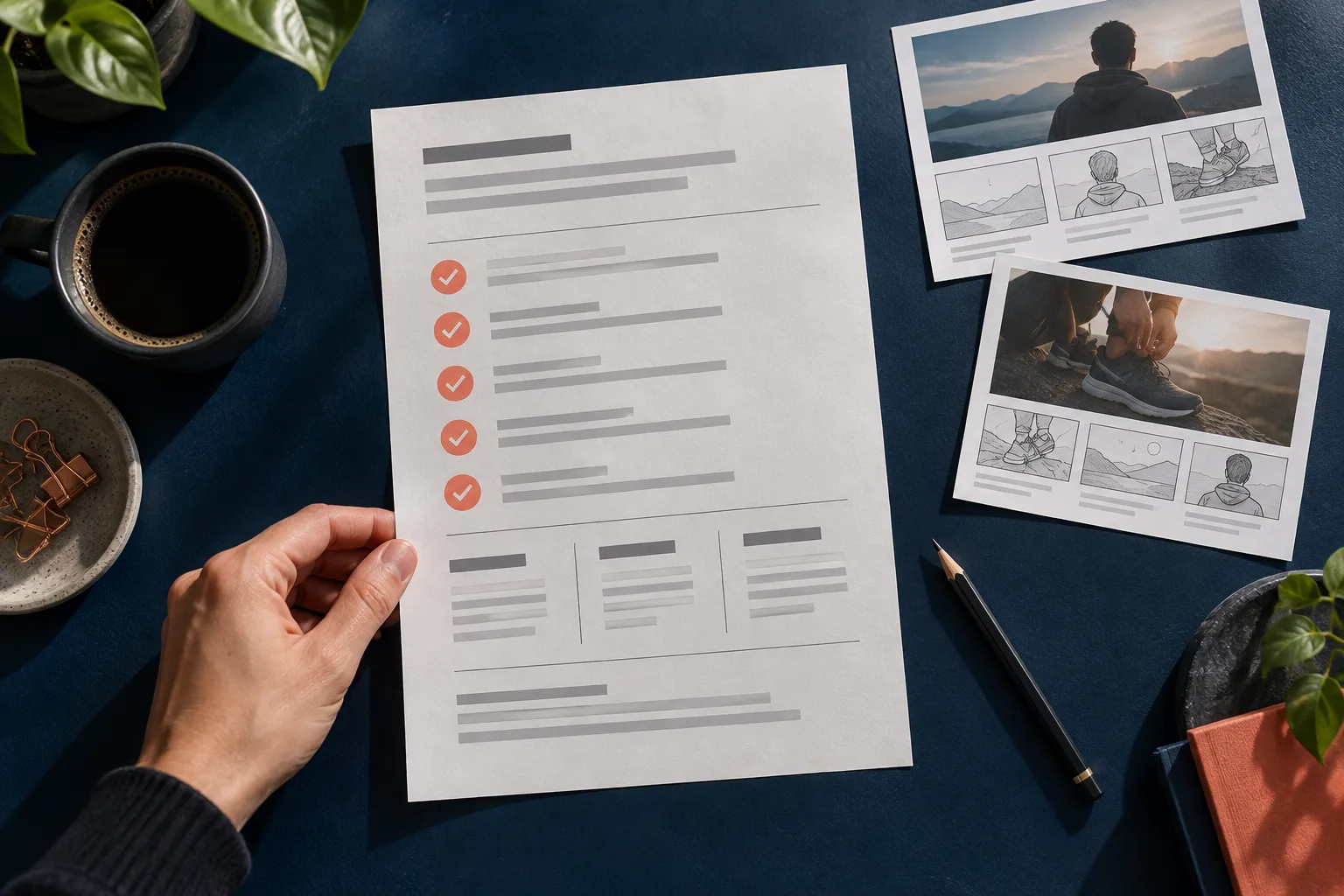
The video looks good, the speech ended and the file opened on your phone. That ends generation, but it does not end review. A piece can look ready and still show the wrong product size, an unintelligible word or an invitation to a page that does not exist.
Reviewing gets easier when each pass has one question. Instead of watching five times looking for "something odd", separate information, image, audio and publishing. The process below works for short videos made with influencers and can be done by one person or split across the team.
First pass: is the information correct?
Compare the speech with the approved source. Check product name, version, quantity, commercial terms and usage instructions. If there is an offer, confirm it exists on the landing page on the date planned for publication.
A hypothetical example: the script mentions a set of three pieces, but the image and the page show one unit. The pronunciation can be perfect and the visual composition pleasant; even so, the video needs to be fixed. The checklist starts with meaning because polish does not make up for wrong information.
Also flag phrases that sound like testimonials. A generated character should not present an invented personal experience as if it were a real buyer. Replace "I've been using it for months" with a verifiable description of the product when there is no true, authorized testimonial behind the message.
Second pass: does the image support the message?
Watch the video at normal speed and pause where the object or the expression changes. Look for changes in shape, quantity, color, proportion and details that could confuse interpretation. Check whether the scene shows anything that contradicts the speech.
A generated depiction of packaging should not be used as proof of a label that needs to be read precisely. For details that matter to the purchase, compare with real product material. If the information depends on an exact measurement, present that measurement legibly and reviewed, without relying only on visual proportion.
Third pass: does the speech work on its own?
Listen without looking at the screen. Can you identify the main message and understand the next step? Check proper names, acronyms, numbers, foreign words and fast passages. Then watch again to observe the relationship between the speech and the face's movement.
Evaluate the audio at a normal volume, without relying on high-quality headphones. Do not publish counting on the viewer to turn the volume up to understand an essential word. When the problem is in the text, simplify the sentence before trying to compensate with more energy in the delivery.
Fourth pass: do the captions really help?
If there are captions, compare each segment with the approved speech. Fix swapped words and line breaks that separate a negation from the next phrase. A caption that shows "not" alone and takes a while to complete the idea can lead to a misreading.
Check contrast, size and the space taken up. The caption should not hide the product or sit in an area that will be covered by the channel's interface. Since that interface can vary, check the preview at the destination instead of treating a fixed margin as a guarantee for every post.
Fifth pass: are the file and destination ready?
Open the final MP4, not just the preview used during review. Check the start, the last frame, the length and the audio. If the deliverable is 9:16, check that the chosen file matches the approved vertical version.
Then follow the viewer's path. Does the link open? Does the page work on a phone? Does the product shown appear with the right name? A call to check measurements needs to lead to a place where those measurements are available. Also keep the final version of the description that will accompany the video.
Classify the problem to choose the fix
Use three simple decisions. Approve: all relevant criteria were met. Fix: a localized adjustment solves the problem, such as rewriting a caption in the editor you use. Redo: the message, the speech or the central image needs to change.
Record the reason with the moment in the video and the expected action: "at five seconds, the name was unintelligible; simplify the sentence". This is more useful than "improve quality". After the fix, review the exported file again, because it is the material that will be published.
On AvataReel, treat generation as one production step and set aside time for this final check. Use the one-page brief as the approval criteria and create your video with a message that can be verified. A short, repeated checklist protects clarity without turning every post into an endless meeting.
Upload a photo, record your voice and type the script. Your first avatar is free.
Create my free avatar →