UGC Video Brief: One Page to Avoid Five Rounds of Revision
Build a UGC video brief with audience, promise, proof and approval criteria. Includes a filled-in example for a fictional brand.
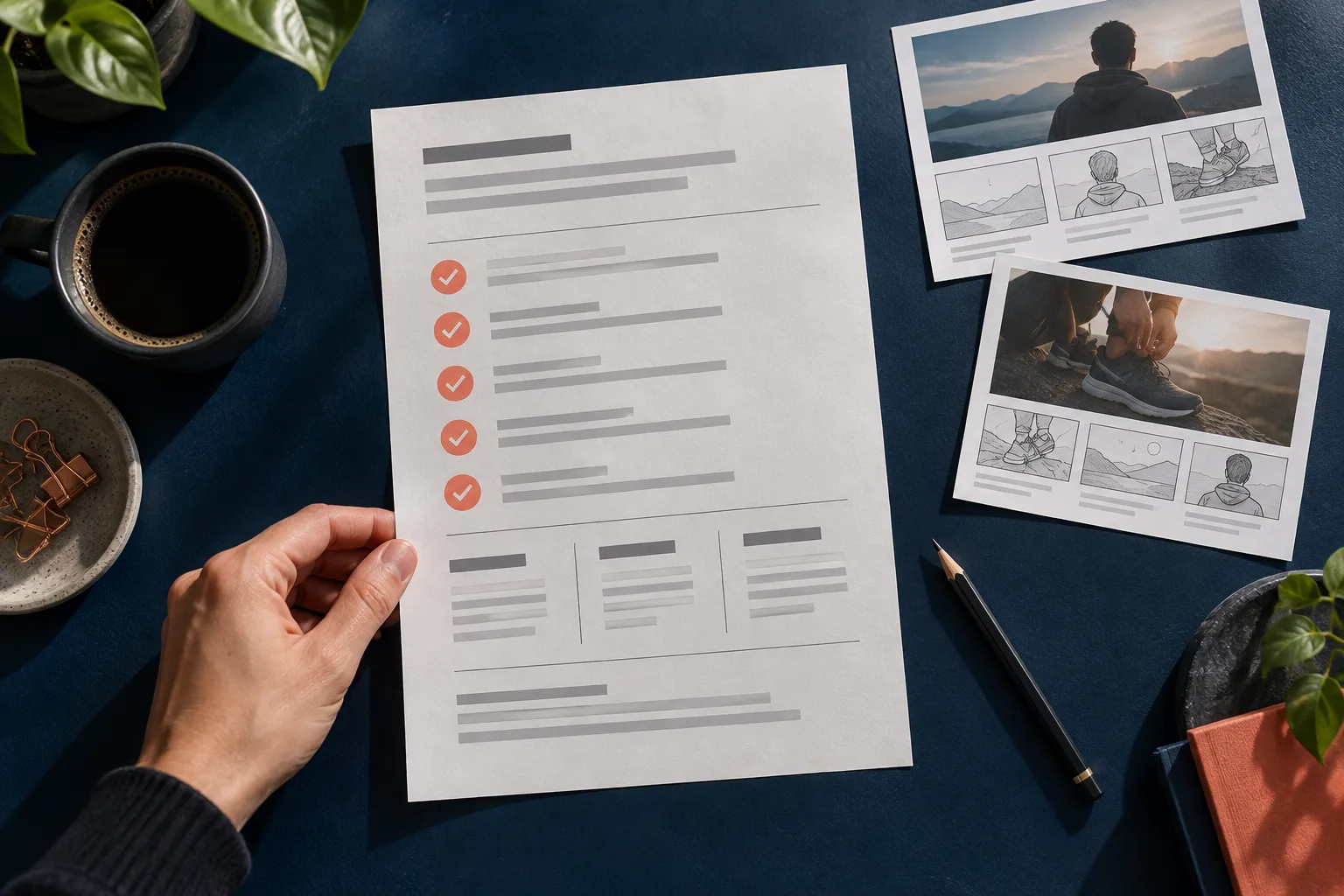
The script comes back with "needs more impact". The new version gets "now it feels too salesy". In the third round, someone remembers that the product shown is not even part of the offer. This kind of rework usually starts before the first sentence: the team never agreed on what the video needs to communicate.
A one-page brief answers a more useful question than "which video are we making?": which decision do we want to make easier for a specific person? The proposal below suits a small team, a freelancer or a brand that produces with virtual influencers.
Start with the situation, not the age
"Women aged 25 to 40" describes a segment, but it does not guide a scene. "People who bring lunch to work and have little space in their bag" offers a problem that fits in a video. The situation points to the object, the question and the language.
Write one sentence with three parts: person, moment and difficulty. For a fictional container brand, the starting point would be: "People who prep their meal at night want to organize the containers without turning the backpack into an unstable pile". This is not yet a promise about the product; it is the context to investigate.
Fill in six fields that really change the script
- Situation: when and where the question comes up.
- Main message: what the person should be able to explain after watching.
- Available evidence: a photo, measurement, spec or real demonstration.
- Limit of the claim: what was not tested or does not apply to all versions.
- Next step: an action that fits the landing page.
- Approval criterion: something observable, such as mentioning the right capacity.
Avoid fields filled with empty adjectives. "Modern, engaging and dynamic" does not clarify whether the video needs to show the dividers or explain cleaning. The brief should help someone choose between two concrete versions.
Filled-in example: lunch container
In this hypothetical example, the team confirmed the model has two removable dividers. It has no seal test, so it must not promise leak-free transport of liquids.
Message: the dividers let you organize food inside the same container. Evidence: a real photograph of the interior and the model's spec sheet. Limit: do not present the product as insulated or suitable for soups. Action: check dimensions and care instructions on the page. Approval: the version name must match the product photographed.
A possible script would be:
Does your lunch travel in several containers? This model brings two removable dividers into one container. See the measurements and care instructions to check whether it fits your routine. The details are on the product page.
The speech presents a verifiable feature. It does not invent a personal experience and does not turn a hypothesis into a guarantee.
Separate speech, image and supporting information
Draw three columns in the document. In the first, put the influencer's speech. In the second, describe the desired image. In the third, record the source of the information. That way, "two dividers" is tied to the spec sheet, while the idea of a clear countertop is marked as a visual choice.
This separation also avoids asking the image for a precision it does not deliver. If capacity, texture or fit need to be demonstrated exactly, use real product material in the editorial composition. A generated depiction can give context to the scene, but it must be reviewed before it is treated as evidence.
Agree on approval before generating
Pick one person responsible for the final decision and keep comments in the same document. A change request should point to the affected field: audience, message, evidence, limit or action. "I didn't like it" can start a conversation, but it is not yet an actionable instruction.
Do a read-aloud. If the speech feels long, remove a secondary message instead of speeding everything up. Also check that the page button fulfills the video's invitation. A script that promises to check measurements should not lead to a screen without those measurements.
Turn the brief into a first video
On AvataReel, use the approved message to write the script and pick the influencer and the voice. The scene should support understanding of the product. After generation, compare the result with the recorded criteria, including pronunciation, visual fidelity and clarity of speech.
Keep the brief with the approved video. It will be the reference for creating a second version without reopening every decision. To continue, see the guide to creating a UGC ad and create your video on AvataReel with a message the whole team can evaluate.
Upload a photo, record your voice and type the script. Your first avatar is free.
Create my free avatar →