How to cut a video script without losing the important information
Edit long scripts using priorities, examples and reading aloud. See a script transformation with the cuts explained.
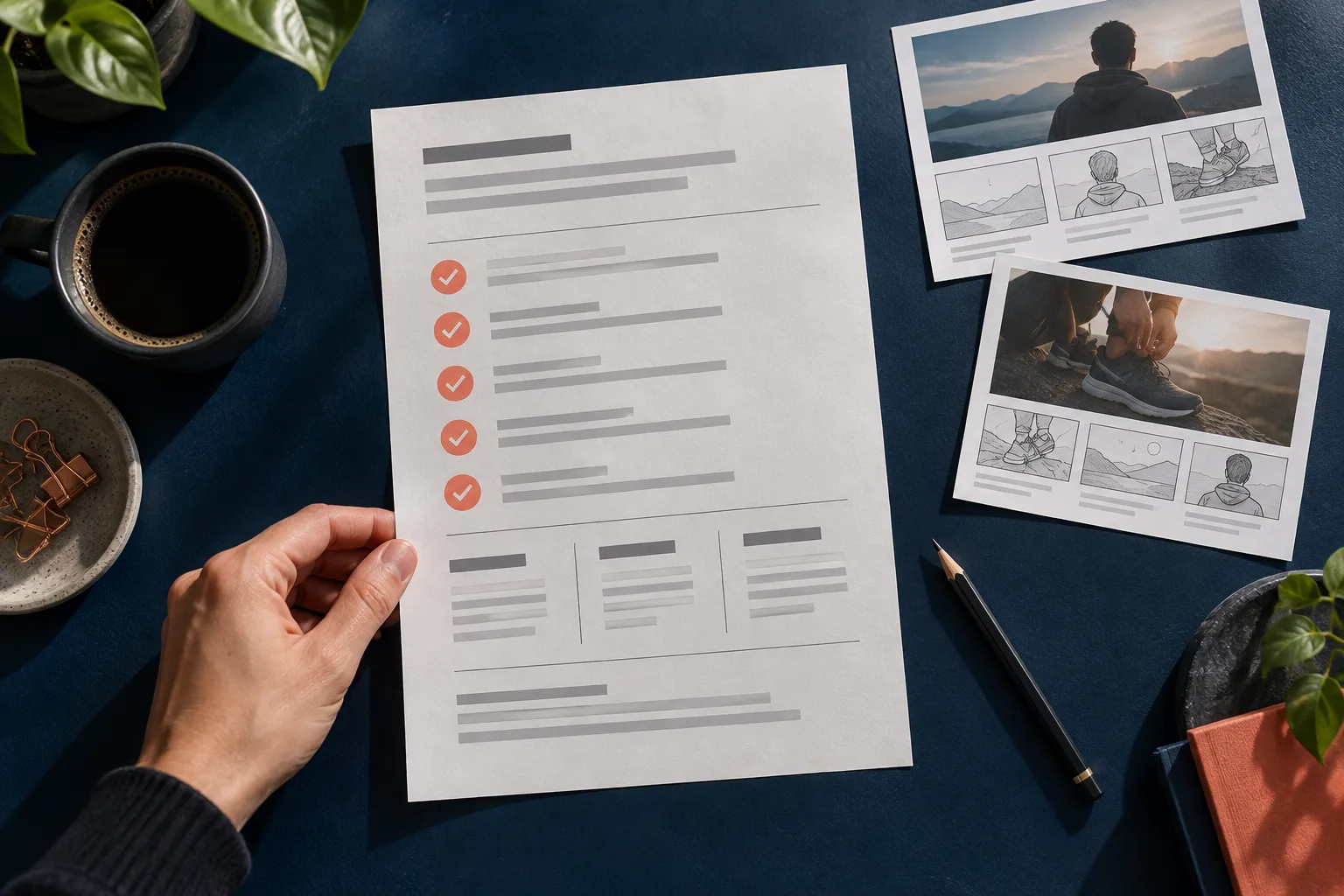
The script is too long. The quickest fix seems to be removing small words and speeding up the delivery. The result, though, can become a string of facts with no room to breathe. Editing well means choosing what deserves to stay, not just making the text take less space.
A short line still needs context, a main idea and an understandable action. If those elements disappear, the video may end sooner, but it leaves the person with more work to understand the message.
Write the sentence that cannot be lost
Before cutting, complete this: "after this video, the person should understand that...". For a fictional organizer store, the answer could be "you need to compare the organizer's height with the drawer's inner height".
That sentence is the center of the script. Every passage must help explain it, demonstrate it or point to the next step. Useful information that does none of these things may become another piece of content.
The exercise also exposes scripts with too many goals. If the answer takes three lines and includes several promises, you may be trying to produce a whole series in a single video.
See a version that needs cutting
Today we're going to show you a really interesting option for people who like to keep everything in its place and want a more organized routine. This organizer is available in several colors and can be used in different spaces. But before choosing, it's important to pay attention to the inner height of the drawer and compare it with the measurement listed on the product page. We also have other models and you can see the whole collection on the website.
The text includes a generic intro, a broad benefit, colors, spaces, one concrete piece of guidance and a collection plug. The main information only shows up after several sentences that could open any ad.
Make the first cut by function
Remove the "today we're going to show you" opening and the adjectives that add no evidence. Postpone the colors and spaces because they do not help explain the measurement. Keep the buying context and the guidance.
Choosing an organizer for your drawer? Compare the inner height with the product's measurement before you buy. On each model's page, you'll find the dimensions to check the fit.
The version got shorter because it lost secondary topics. It still explains what to do, when to do it and where to find the information. The closing invitation does not suddenly jump to a whole collection.
Do not cut the conditions that change the meaning
Words like "in this model", "when available" and "depending on the version" may seem expendable, but sometimes they prevent a wrong claim. The same goes for compatibility limits and usage instructions.
If the caveat needs a long explanation, consider a different angle for the topic. Do not hide an essential condition in an unreadable caption just to keep a punchy line. The short version must stay true when someone hears it on its own.
Swap abstractions for an observable action
"Improve the organization of your routine" is broad. "Separate the cables into dividers" is concrete. Not every message has to be an instruction, but specific actions usually make the product easier to understand.
Look for duplicated phrases too. "Small and compact" may say the same thing twice. "Easy, practical and simple" takes up space without explaining how it works. When possible, replace the set with a verified feature or remove it entirely.
Read aloud at the real pace
Word count is only a reference. Names, numbers and acronyms may take longer or need pauses. A short sentence on screen can also be hard to pronounce.
Read it the way you would want the influencer to say it. Mark where breathing calls for a pause and which passages need a second read. If the conclusion arrives rushed, reduce content before trying to fix it with speed.
Do a comprehension check
Show the version to someone who did not take part in writing it and ask what they understood and what the next step would be. Avoid asking just "is it good?". A vague answer does not show whether the message survived.
In AvataReel, generate the edited speech and check the pace in the result. Keep the approved version with the file in the creative library. For the next piece, start with a single idea: it is easier to write clearly than to cut five messages at the end.
Upload a photo, record your voice and type the script. Your first avatar is free.
Create my free avatar →