Shopee product video with AI: paste the link and get a ready script
Turn a Shopee, Mercado Livre or Shopify product link into a vertical video with an avatar, a short script and a call to the right store.
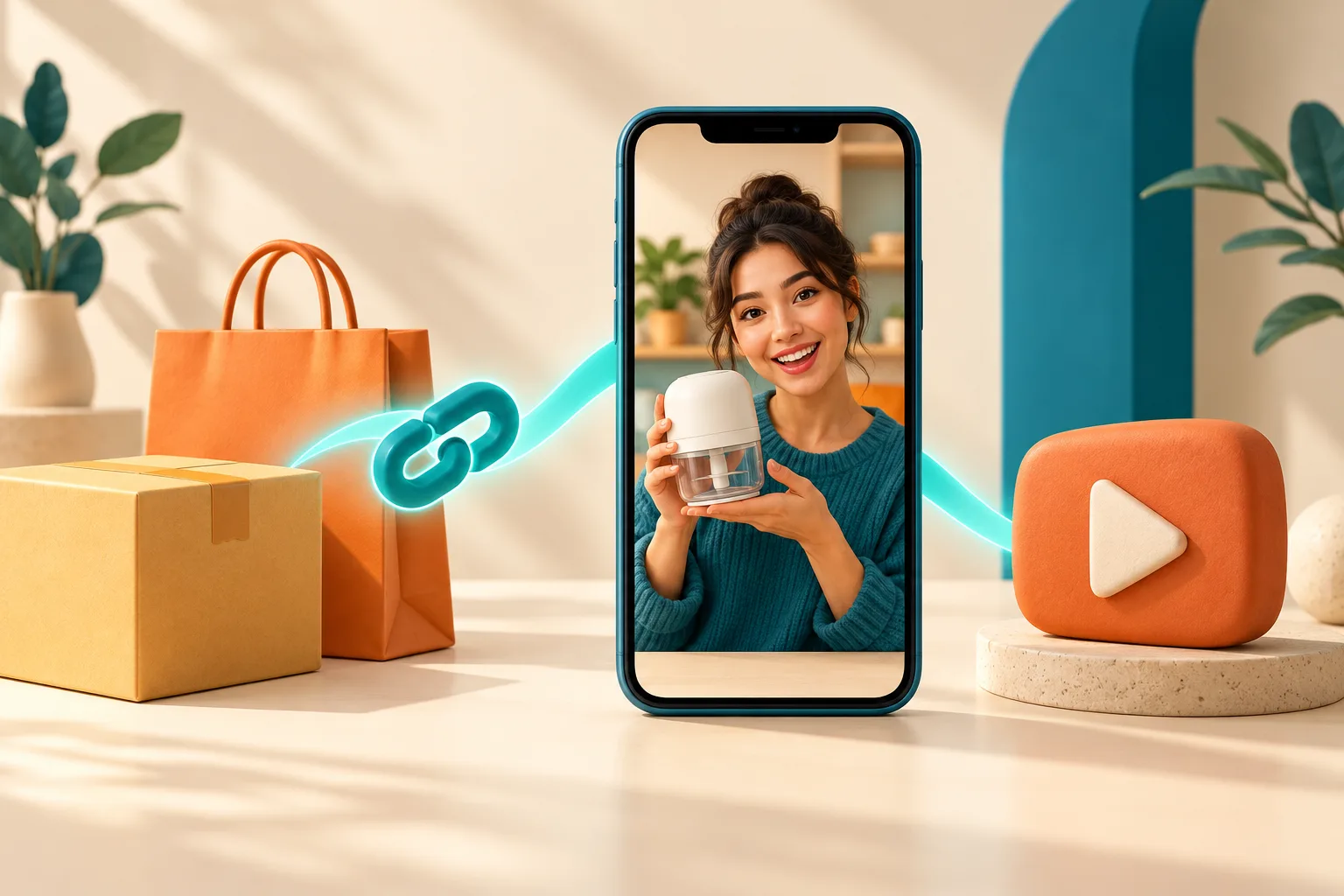
Anyone who sells on Shopee knows the problem: the store has dozens of products, and almost none has a video. Filming each one takes time, needs someone to appear on camera and a script that hooks in the first seconds.
Now you can start from what you already have: the product link. You paste the link into AvataReel. It reads the product, writes a short script and an avatar presents the product in a vertical 9:16 video, ready for Shopee Video, Reels or TikTok.
Try it with one of your products:

What AvataReel reads from the link
Each store shows a different part of the information to outside tools. So what comes through depends on where the product is.
| Store | What AvataReel reads |
|---|---|
| Shopee | Product name and main photo |
| Mercado Livre | Listing name and main photo |
| Shopify | Name, description, price and photo |
| Other stores | What the page declares: name and photo, and sometimes price and description |
Shopee and Mercado Livre do not show price, coupon or reviews. The script does not make up that data. If the offer is your selling point, write the price or coupon in the script before you generate.
The photo goes along. The avatar talks to the camera without holding the product, and the AI uses the photo to create scenes of the product in use between the first and the last sentence. The scenes add 34 credits to scripts with at least 3 sentences.
How the AI writes the script
The script follows the rules of a good short ad:
- It starts with a hook. The first sentence talks about a pain, a curiosity or a result. It never starts with "hi" or with the product name.
- It says what the product is. Then it shows two or three concrete benefits.
- It uses only what the page says. No price, discount, warranty or number the store did not show.
- It ends with the right call. A Shopee link ends with "tap the link and get yours on Shopee". A Mercado Livre one ends with the Mercado Livre link.
- It fits in 20 to 30 seconds. That is the length that works for product video in the feed.
A marketplace ad title is usually full of keywords. The AI swaps that title for a short name, the way a person would say it.
Here is a script that came from a real Shopee link, for a mini food processor:
Tired of wasting time chopping everything by hand in the kitchen? This electric mini food processor, 220 volts, solves that for you. It is compact and handy for chopping herbs, garlic and onion in seconds, and it takes up little counter space. Tap the link and get yours on Shopee.
Step by step
- Copy the product link. Open the product page in the browser and copy the address.
- Paste the link into AvataReel. Use the field above or the "Turn the product link into a video" field, at the top of the home screen after you sign in.
- Check the product. Make sure the name and photo are of the right product.
- Review the script. Add what only you know: price, coupon, delivery time, available color.
- Choose the avatar and the quality. The cost shows before you confirm.
- Generate the video. It is ready in minutes, in 9:16.
The first time, you sign in with your email. The link is saved, and the script is already there when you arrive at AvataReel.
What to check before posting
- Is the product in the video the one you sell? Model, color and packaging must match the listing. If the link's photo is a graphic with text, swap it for a clean photo of the product.
- The avatar presents, it does not testify. The script does not say "I use it every day" or "I tested and approved it". An AI avatar pretending to be a customer becomes a fake testimonial, and Brazil's Consumer Defense Code prohibits that.
- Are the price and coupon right? If you mentioned an offer, check that it is still valid on the day the video goes live.
- Does the platform require an AI notice? Follow the rule of the platform where the video will be posted.
For more care with the text, see the guide to product video without overpromising.
When the link does not work
- The link is of a store or a search. Open the product page and copy the link from there.
- The product is offline. A paused or deleted listing brings no data.
- The store blocks outside tools. Some large stores do not let any tool read the page. In that case, AvataReel asks for the product name and a photo, and the rest of the process is the same.
One video per product, without filming
For those with many products, the gain is in repetition: each link becomes a script and a video in a few minutes. Start with the best-selling products that still have no video. Then test different hooks for the same product.
For format ideas on marketplaces, read AI UGC for marketplaces.
Frequently asked questions
Does it work with any Shopee link?
It works with the product page link. A store, search or category link does not bring a product, and AvataReel asks for the name and photo.
Does AvataReel get the price from Shopee and Mercado Livre?
No. Those stores only show the product name and photo to outside tools. If you want to mention a price, coupon or free shipping, write it in the script before you generate.
What if I sell on a Shopify store?
On Shopify, AvataReel reads the name, description, price and photo. Stores with product data on the page, like many on Nuvemshop, also bring more information.
Can I change the script the AI wrote?
Yes. The script appears in the video field and you edit it however you like before you generate. The video is only generated when you confirm.
Upload a photo, record your voice and type the script. Your first avatar is free.
Create my free avatar →